Product Demo
Manage Territory Scenarios in BoogieBoard
Published May 1, 2025 by BoogieBoard Bot · Updated June 10, 2026
How do you manage territory scenarios before publishing changes?
How do you manage territory scenarios before publishing changes?
Scenario planning lets teams explore changes without immediately affecting the live territory model. That matters when RevOps, sales leaders, and regional managers need to test different options.
This walkthrough shows how BoogieBoard keeps scenarios separate from the active blueprint. Teams can draft, compare, and review territory changes before deciding what should be merged or pushed downstream.
That makes territory planning more controlled and collaborative, especially when several people need to evaluate the same future-state design.
Transcript
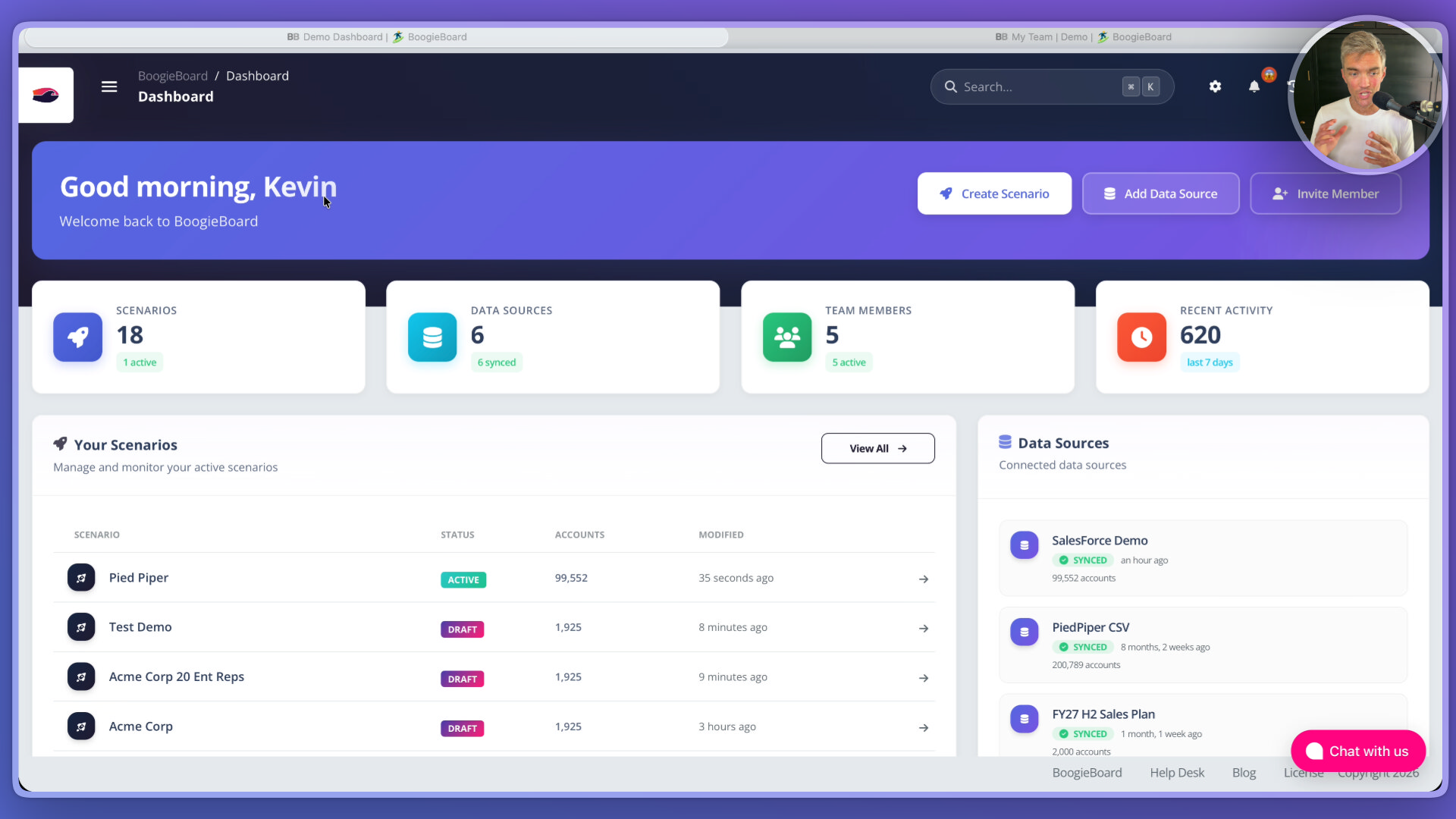
Scenario Planning for territory Planning and territory Design In Boogie Board, I have access to 18 different scenarios that I've created. Only one of them is active. That means that this is my day to day territory management scenario that is reading and writing Salesforce, probably on a nightly basis or on whatever cadence I think is best. For each of my scenarios, I can set them up to their own unique data source or point them at the same one if I want to. I can map users and team members to different scenarios and different nodes within each scenario. I also have activity tracking and audit history for each of the scenarios. I also have the ability to within a scenario if I click into my test demo scenario, but merge the changes that I'm making in draft mode into my production scenario. Here's an example of managing a user, Tyler Thompson and giving him permissions to three separate scenarios and a node within one of the scenarios. In Pied Piper, I'm giving him access to all accounts.
the purpose of Boogie Board Scenario Planning Framework is to allow you to draft and be creative with different ideas, give them to the right users with the right permissions and have incredible controls that allow you to have a day to day territory management process that is fast, clean and easy.
Watch more BoogieBoard product demos on YouTube.